

A workflow that never sleeps
An intake workflow runs on your public site and from QR codes in the lobby. Sessions start all day. Compliance sends new language for a consent step. You need to rework the flow, walk it end to end, and ship when you are ready so there is no downtime on your intake flow.
Now you can rework the flow on your timeline and nothing goes live until you say so. That is the moment Publish is for. Intellistack Streamline now treats the workflow builder as your draft workspace and Publish as the handoff to live. You iterate freely while auto-save tracks your draft. Shared links, QR codes, embeds, and your other share options keep pointing new entrants at the last published version until you say go. When you Publish, the draft becomes the new live configuration: no scripts, no separate deploy pipeline.
Confidence for teams in the middle of real traffic
Publish is built for builders and admins who run workflows with ongoing sessions, the kind where every save used to feel like a production launch. You get room to experiment, reorder steps, and fix copy while live traffic stays on a stable configuration. The product is designed to make unpublished changes obvious so everyone knows when shared surfaces have not picked up the latest draft yet.
Sessions already in progress are not yanked onto a new definition mid-flight. They finish on the version that was live when the session started. New sessions that begin after you publish run on the newly published version. That separation is what lets you ship improvements without guessing who is on which configuration.
Before you promote a draft, you can run a test session against the draft to experience what you built. If you need to compare against earlier behavior, Test sessions running against a previous version can coexist alongside shared entry points still serving new traffic to the currently published workflow.
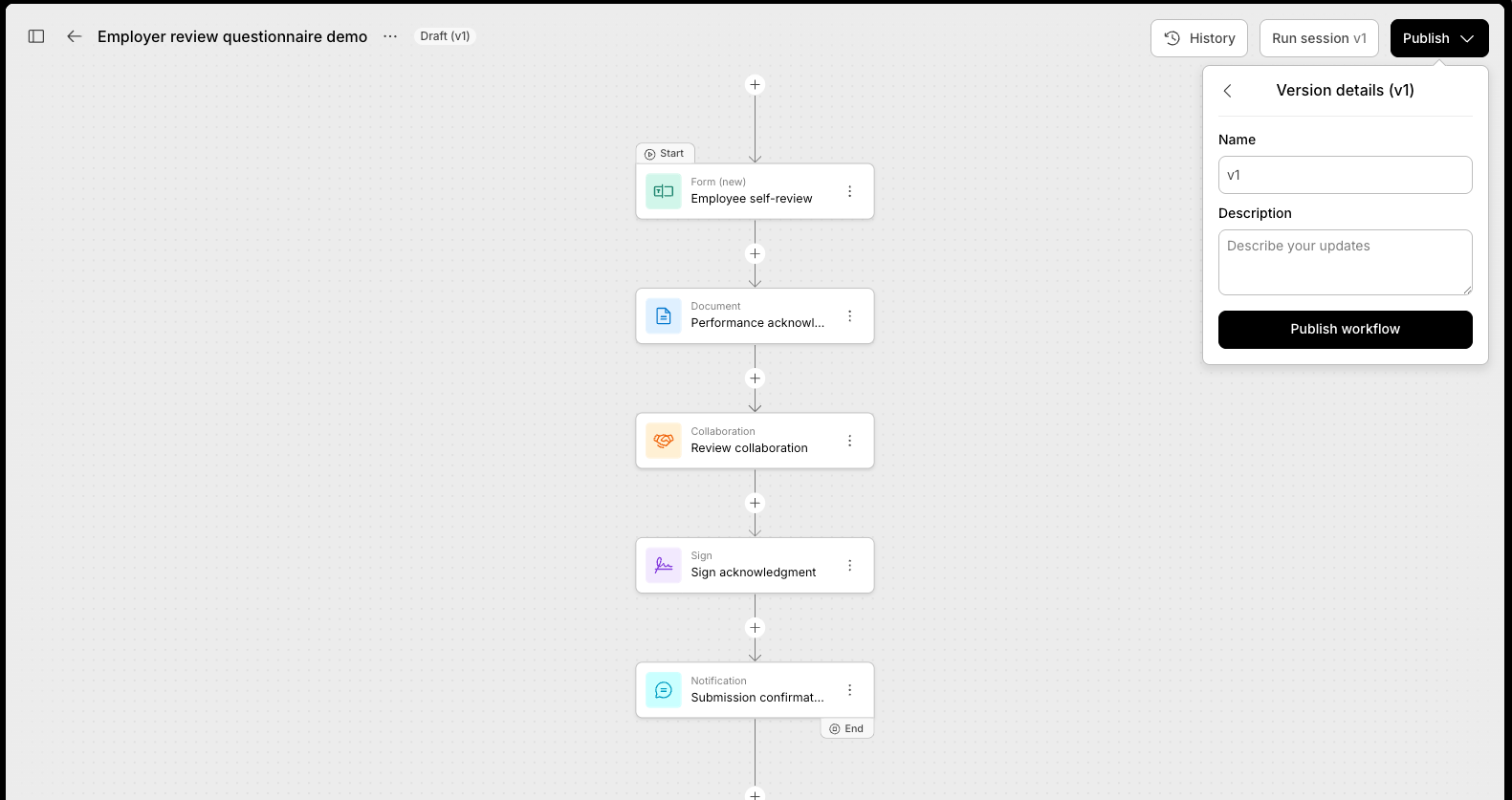
Publish is now available in Intellistack Streamline. Open your project's workflow builder, finish the draft, and Publish when you want shared entry points to pick up the change.