One workflow, every related record: Repeating Records comes to Intellistack Streamline


Real business data travels in groups. An invoice carries its line items. A patient carries a history of visits. An order carries every product on it, and an account carries all of its contacts. With Repeating Records, Intellistack Streamline carries those complete data sets through your entire workflow - from the moment data arrives, through forms and documents, all the way back to your system of record.
A set of repeating records is called a collection: a list of records that share the same shape, the way each row in a spreadsheet shares the same columns. Collections can also nest, so a parent record can carry its children, and those children can carry their own records - an order with line items, and each line item with its own detail.
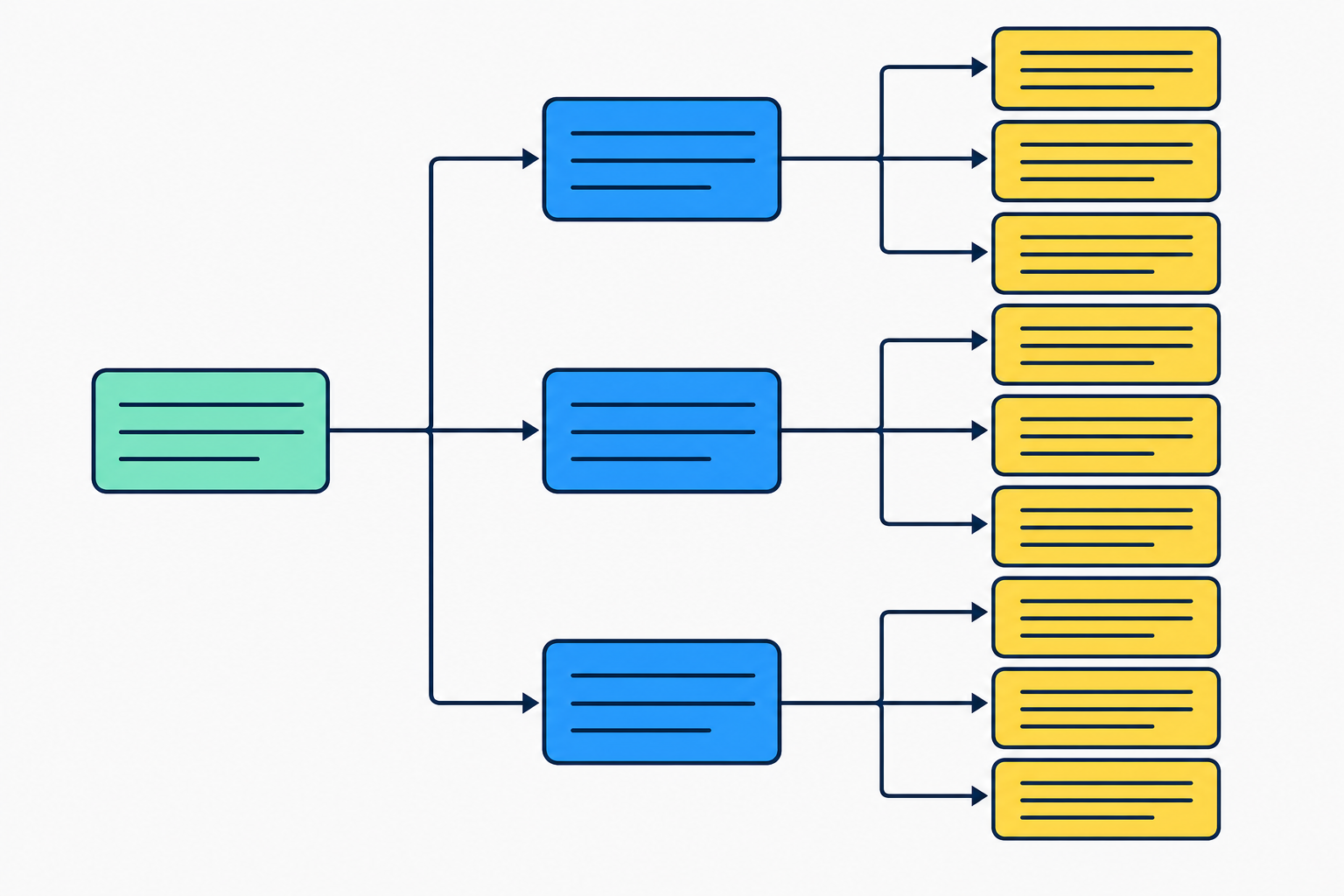
A collection flows through every step
The strength of Repeating Records is continuity. A collection keeps its structure as it moves from step to step, so a single workflow can take a parent record and all of its related children from end to end:
- Bring it in. An Incoming Webhook detects arrays in a JSON payload and turns them into collections automatically. A Search Data step pulls a parent record together with its related child and grandchild records from a connected source like Salesforce, SharePoint, or Airtable.
- Work with it. A form displays a collection in repeating sections, so the right person can review, edit, add, and remove records in a layout that matches how the data is shaped.
- Render it. Document Generation loops over a collection to produce dynamic tables, lists, and repeated text - one row or block per record.
- Send it on. An Outbound Webhook serializes a collection back into structured JSON for a downstream system, and Deliver Data writes the full set of changes back to your source in a single operation.
Because the collection stays intact across each of these steps, the data you receive is the data you act on, render, and persist - no rebuilding the record set along the way.
What it enables
Repeating Records turns whole categories of real-world processes into a single, clean workflow:
- Review and update a parent record and all of its related records in one pass, then write every change back at once.
- Generate professional documents - invoices, contracts, quotes - whose tables grow to match the number of line items.
- Receive a complete nested payload from any external system and move it straight into forms and documents.
- Collect a variable number of entries on a form and hand the full structured set to a downstream system.
- Run high-volume, nested data straight through to a generated document and back to your source with no manual step.
Collections support the same field types as single records - text, numbers, dates, and file references - and end-to-end workflows support parent, child, and grandchild levels.
Examples of how repeating records can be used
Here are some real business scenarios of how repeating records can be used within a workflow:
- Salesforce customer dossier: pull an account with its contacts and opportunities, verify and update it on a form, generate a dossier document, write the data back to Salesforce, and replicate the contacts into HubSpot.
- Contract generation: build a Statement of Work with a pricing table that renders one row per line item.
- Sub-contractor risk assessment: receive a contractor and a variable list of risk findings by webhook, review on a form, and generate the assessment document.
- Life insurance beneficiary document: receive a claim with its full beneficiary list and a file attachment by webhook, generate a customized beneficiary document, and deliver both files to Google Drive.
- Automated order processing: take a webhook-delivered account and its products straight through document generation and write-back, hands-off.
Availability
Repeating Records is available now across Intellistack Streamline - Incoming Webhook, Search Data, Forms, Document Generation, Outbound Webhook, and Deliver Data all support collections. For an overview of how collections behave across the platform, see the Working with Repeating Data help article.